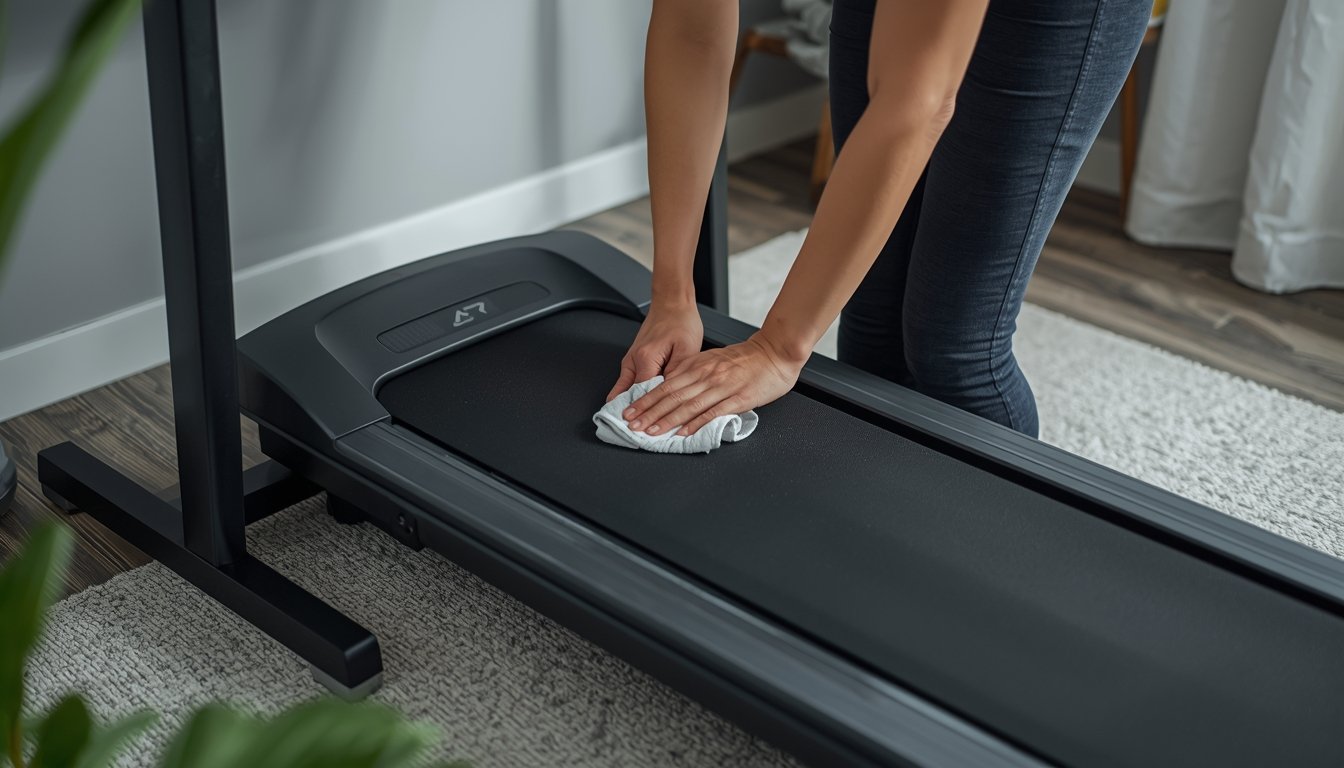
A walking pad maintenance guide is really about keeping the machine clean, stable, and running smoothly so it stays safe for daily use. Most walking pads do not need complicated upkeep, but regular cleaning, belt checks, and simple habit changes make a big difference to performance, noise, and lifespan. If you are using one often, it also helps to understand how maintenance fits into the bigger picture of choosing and using the best walking pads for home office use.
Why walking pad maintenance matters
Walking pads are designed to be compact and convenient, but that smaller design also means dust, belt drift, and surface wear can affect them more quickly than many people expect. When a machine is used in a home office, it often runs several times a week in the same room, on the same floor, and under the same desk. That kind of repeated use creates a pattern of wear that builds slowly rather than showing up all at once.
The main reason maintenance matters is that small issues tend to become bigger ones if they are ignored. A little dust buildup can make the machine look untidy at first, but over time it may affect airflow and general cleanliness around the motor area. A slight belt shift may seem harmless at first, but if it keeps getting worse, the walking experience becomes uneven and distracting. These are not dramatic failures. They are the ordinary signs of a machine that needs regular attention.
Maintenance also affects how the walking pad feels in day-to-day use. A clean, well-aligned walking pad usually feels quieter, smoother, and more predictable underfoot. That matters more in a home office than many people realise. If the machine becomes noisy, shaky, or inconsistent, it becomes harder to use during calls, writing sessions, or routine desk work. Good maintenance is what keeps the machine practical, not just operational.
What routine maintenance usually includes
- Wiping down the walking surface and frame to remove dust, hair, and everyday debris
- Checking belt position so it stays centered during use
- Watching for changes in sound, friction, or vibration
- Keeping the area around the machine clear and dry
- Following the manufacturer’s guidance on lubrication and belt adjustment
How to keep the belt, deck, and surface in good condition
The belt and deck are the parts you interact with every time you use the machine, so they deserve the most attention. A walking pad does not need constant adjustment, but it does benefit from regular observation. If the belt looks centered, feels smooth, and moves evenly at your usual working speed, that is a good sign. If it starts rubbing to one side, hesitating slightly, or feeling rough underfoot, it is time to check it more closely.
The most practical habit is to look at the belt before and after use rather than waiting until something feels obviously wrong. Small alignment changes are easier to correct early. This is especially true if the machine is moved around often or stored between sessions. Repeated movement can slightly change how the unit sits on the floor, which can affect belt tracking over time.
The walking surface also stays in better condition when the area around the machine stays clean. Dust, pet hair, and lint can collect along the edges and underneath. In a home office, this is common because the machine usually shares space with rugs, chairs, socks, paper dust, and general household debris. Wiping down the outer surface and checking around the deck regularly helps prevent that mess from building up into a bigger problem.
If lubrication is recommended for your model, it should be done according to the manufacturer instructions rather than guessed. Too little lubrication can increase friction, but too much can also create problems. This is one of the few areas where it is worth being exact rather than improvising.
Common signs your walking pad needs attention
Most walking pads do not fail without warning. They usually show a few practical signs first. The machine may sound louder than usual, the belt may feel less smooth, or the walking surface may no longer feel quite centered. Sometimes the change is subtle. You may simply notice that the machine feels less comfortable during the first few minutes of use than it did a few weeks ago.
One of the most common warning signs is a change in belt position. If the belt starts pulling toward one side, it is usually easier to deal with early. Another common sign is a change in sound. A walking pad that suddenly becomes noisier without any clear reason is worth checking, especially if the noise is repetitive or linked to belt motion. A third sign is vibration that feels new or more noticeable than usual.
It also helps to pay attention to how the machine starts and stops. A walking pad used mainly for desk work tends to operate at slower speeds, so smooth low-speed movement is especially important. If the machine feels jerky, hesitant, or inconsistent at the speeds you normally use, that is a practical signal that something needs checking. Maintenance is often less about waiting for visible damage and more about responding to these smaller shifts in performance.
Storage, flooring, and everyday habits that reduce wear
Good maintenance is not only about what you do after the machine starts having issues. It is also about how you use and store it every day. A walking pad that sits on a firm, level surface usually wears more evenly than one placed on unstable or unsuitable flooring. If the machine is used on carpet, thick rugs, or uneven flooring, performance and wear can both become less predictable.
Storage habits matter too. If you store the walking pad after each use, move it carefully and place it in a dry, clean area. Repeated rough handling can slowly affect alignment and frame stability, even if there is no obvious damage. If the machine stays out full time, keep the surrounding area clear so dust and household debris do not collect around it.
Simple daily habits can also reduce wear. Start at a reasonable pace rather than jumping straight into a faster setting. Step on and off carefully instead of shifting the machine with sudden force. Do not leave clutter around the sides of the deck. If you use the walking pad while working, keep drinks, cords, and rolling chair legs out of the immediate walking area. These are small details, but they make the machine easier to keep clean and less likely to develop avoidable issues.
What not to do when maintaining a walking pad
- Do not guess lubrication needs or use products not recommended for the machine
- Do not ignore a belt that keeps drifting to one side
- Do not store the walking pad in a damp or dirty area
- Do not treat unusual noise as normal if it was not there before
- Do not keep using the machine heavily if it feels unstable, rough, or inconsistent
When simple maintenance is enough and when it is not
Most routine walking pad upkeep is basic. Cleaning, visual belt checks, careful storage, and occasional adjustment are often enough to keep the machine in good working order. For many home users, that is the entire maintenance routine. The key is consistency rather than complexity. A few minutes of attention every week is usually more useful than waiting months and then trying to fix multiple issues at once.
At the same time, not every issue should be treated as a simple home fix. If the machine feels unsafe, repeatedly loses alignment, makes strong mechanical noises, or shows obvious electrical or structural problems, it is better to stop using it until the issue is understood properly. Regular maintenance is about prevention and early intervention. It is not about pushing a machine through clear warning signs.
A well-maintained walking pad should feel predictable, quiet enough for normal use, and stable at the speeds you rely on most. That is really the goal. The machine does not need to look perfect or feel brand new all the time. It just needs to stay clean, properly supported, and mechanically consistent enough to keep working as intended. That is what keeps it useful in a real home office, not just impressive on paper.